
Xiaomi MiMo Code Review: OpenCode Fork or a Real Upgrade?
Free MiMo API credits from Xiaomi led me to test MiMo Code. My honest take on what it adds over OpenCode and whether the fork is worth switching to.
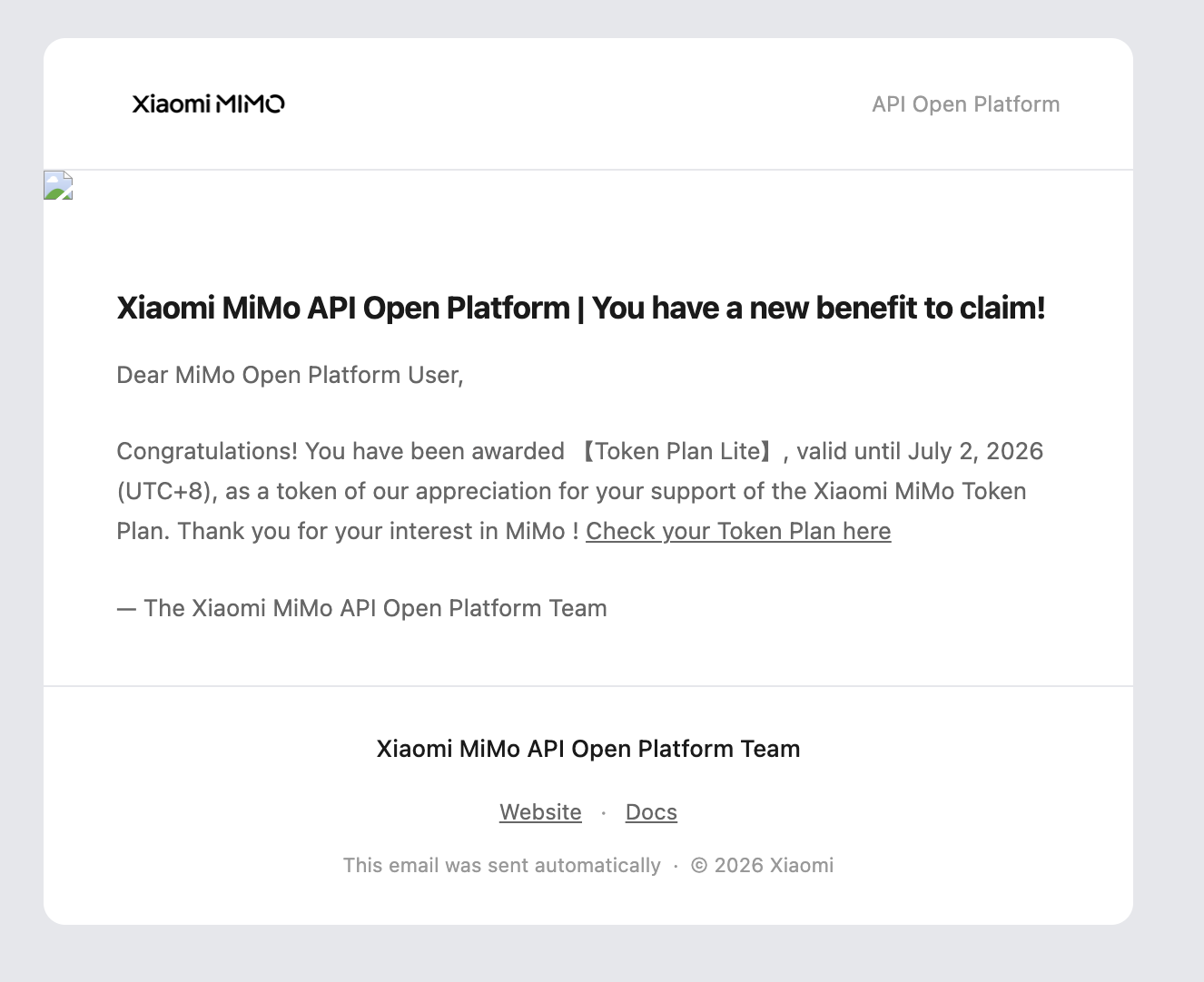
A few weeks ago an email landed in my inbox from the Xiaomi MiMo API Open Platform. The subject said I had a new benefit to claim. It turned out to be a free Token Plan Lite, valid until July 2, 2026. Xiaomi awarded it automatically as a thank-you for being a MiMo platform user.
Free API credits and a terminal coding tool I had not tried yet. That was enough reason to install MiMo Code and spend real sessions testing it.
Here is what I found.
Key Takeaways
- MiMo Code is an open-source terminal AI coding agent released by Xiaomi on June 10, 2026, built as a fork of OpenCode
- Because it forks OpenCode, your existing OpenCode providers, MCP servers, and settings carry over automatically
- The default model is MiMo-V2.5-Pro, a 1.02 trillion parameter mixture-of-experts model with a 1 million token context window
- MiMo Code adds persistent memory via SQLite FTS5, a Compose autonomous mode, and subagent orchestration on top of the OpenCode base
- Xiaomi reports 82% on SWE-bench Verified versus Claude Code’s 79%, but these numbers are self-reported and have not been independently verified
What is MiMo Code?
MiMo Code is a terminal-native AI coding agent open-sourced by Xiaomi under the MIT license. It is the tool layer that sits on top of the MiMo-V2.5-Pro model and gives it hands: reading files, writing code, running terminal commands, and coordinating subagents across long tasks.
The project launched on June 10, 2026, as version 0.1.0 on GitHub under the XiaomiMiMo organization. It crossed 6,200 GitHub stars within days of release.
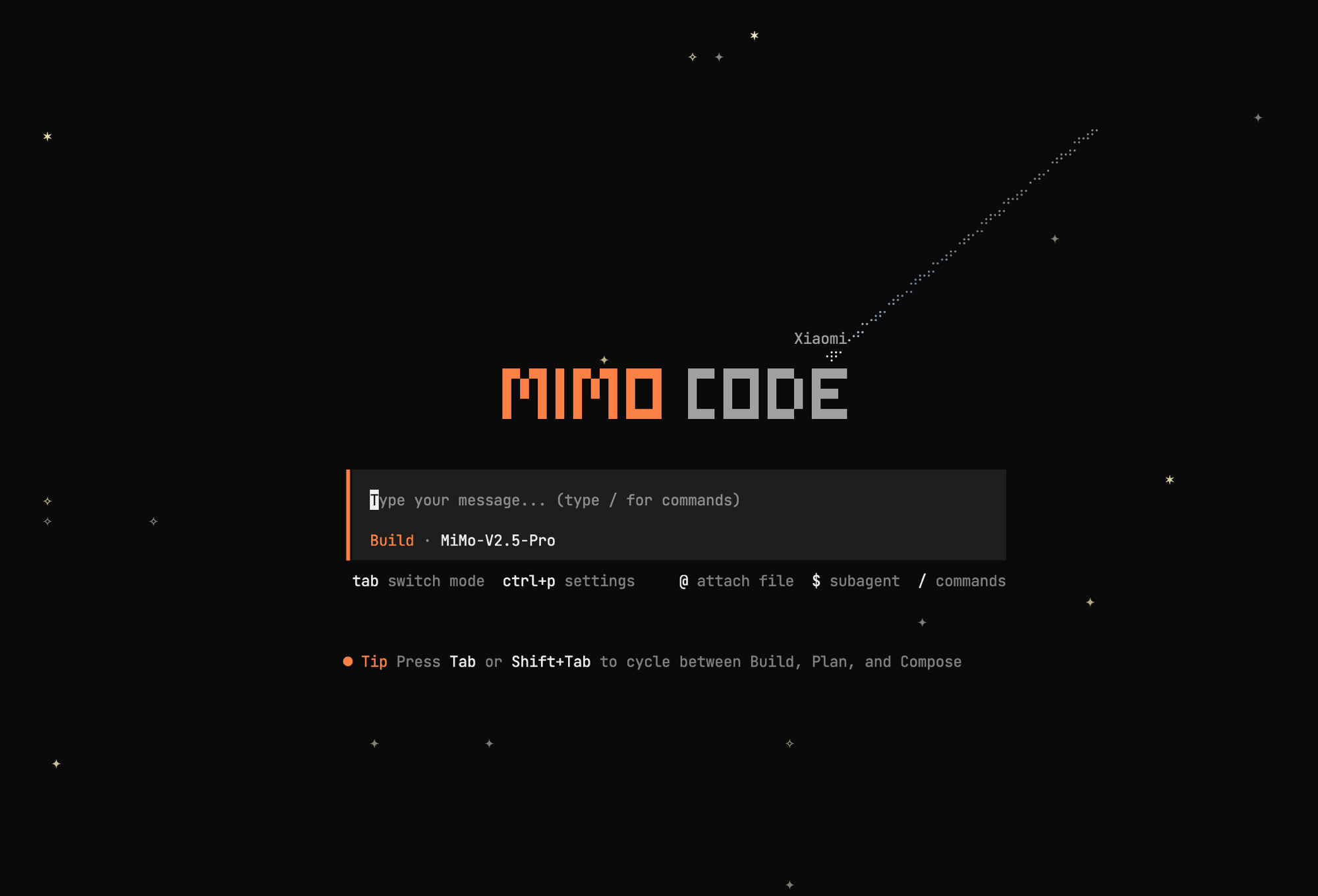
The interface feels immediately familiar if you have used OpenCode before. That is not a coincidence.
Why Your OpenCode Settings Already Work in MiMo Code
When I launched MiMo Code for the first time, something unexpected happened. My existing OpenCode providers were already listed. My MCP server configurations were there. Everything I had configured in OpenCode was visible inside MiMo Code without any migration step.
That is because MiMo Code is a direct fork of OpenCode. It reads from the same configuration files and shares the same directory structure on your machine. If OpenCode is installed, MiMo Code inherits the entire setup.
This makes the initial experience smooth. But it also raises an honest question: if MiMo Code shares everything with OpenCode, is it just OpenCode with a Xiaomi skin applied on top?
The short answer is: mostly yes at the surface, but it adds real things underneath.
Also Read: OpenCode Multi-Model CLI: Switch AI Without Limits
What Does MiMo Code Add That OpenCode Lacks?
MiMo Code extends the OpenCode base with three additions that change daily usage.
Persistent Memory with SQLite FTS5
Standard OpenCode sessions are stateless. Close the session, context is gone. MiMo Code fixes this with a cross-session memory system powered by SQLite FTS5 full-text search. It stores four types of data:
- Project memory in a MEMORY.md file for architecture decisions and project rules
- Session checkpoints in a checkpoint.md file that captures structured state snapshots
- Scratch notes for temporary working memory during a session
- Per-task progress logs in a tasks directory
When context approaches the model limit, MiMo Code automatically reconstructs context from the latest checkpoint, project memory, and retained recent messages. The agent picks up where it left off instead of starting cold.
Compose Mode for Autonomous Long Tasks
Build and Plan modes work like their OpenCode equivalents. The Tab key cycles between them. Compose mode is the addition. It activates a full autonomous loop where the agent designs, plans, writes code, runs tests, and reviews its own output without stopping for confirmation at every step.
The strategy is heavy planning upfront followed by stable verification. The agent commits to a complete plan before touching any files, then executes and validates against that plan.
Subagent Orchestration
MiMo Code can spawn subagents in parallel and track their lifecycle. For complex tasks with independent workstreams, the agent breaks the work into parts and runs them concurrently. The $ shortcut in the terminal exposes this system directly.
MiMo-V2.5-Pro: The Default Model
The terminal loads MiMo-V2.5-Pro by default. This is Xiaomi’s flagship coding model released on April 22, 2026.
Key specs from Artificial Analysis:
- Total parameters: 1.02 trillion (sparse mixture-of-experts architecture)
- Active parameters per inference: 42 billion
- Context window: 1 million tokens
- Intelligence index: 42.2
- Coding index: 45.5 (excellent tier)
- Agentic index: 68.7
API pricing is $0.43 per 1 million input tokens and $0.87 per 1 million output tokens. The median input cost across major models is $0.55 per million, so V2.5-Pro sits below average on cost while staying competitive on capability.
How I Got Free Access
The Token Plan Lite I received came directly via email from the Xiaomi MiMo API Open Platform.
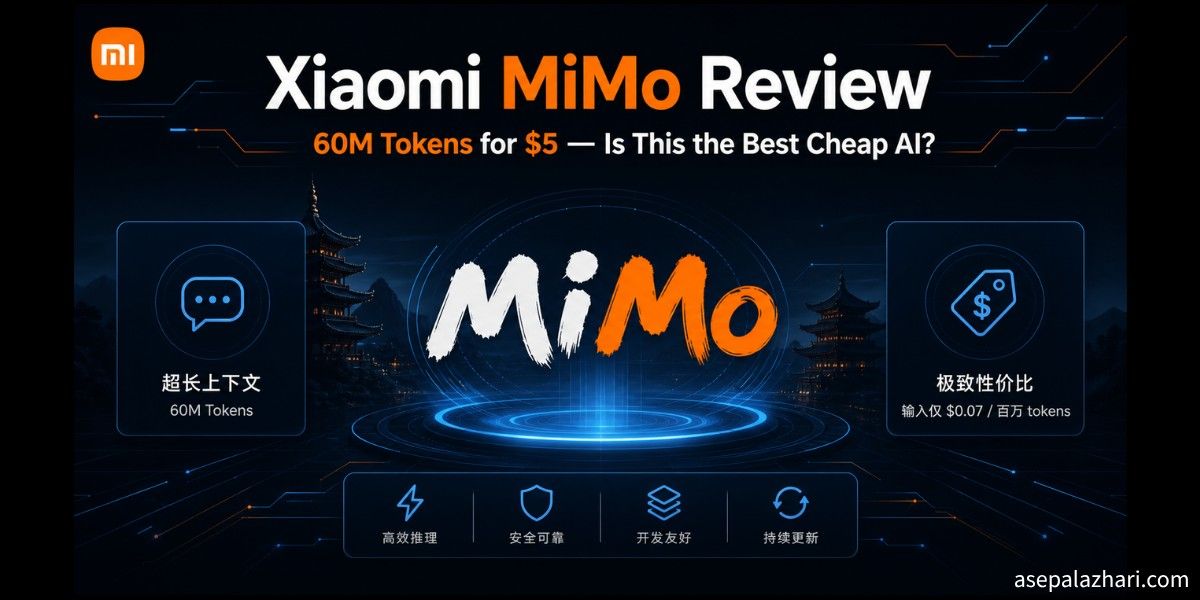
MiMo also offers a free MiMo Auto tier backed by MiMo-V2.5 with 60 requests per minute. For developers who want to evaluate before committing, MiMo Auto is the entry point. The paid Lite Monthly Plan gives MiMo-V2.5-Pro access with 60 million tokens per month at $6 per month ongoing.
If you are already a MiMo API subscriber using the model in other coding tools like OpenCode or Claude Code, adding MiMo Code costs nothing at the tool level since the terminal is MIT-licensed.
Also Read: Xiaomi MiMo Review: 60M Tokens for $6, Faster Than GPT-5.4
Is MiMo Code Worth It Over Plain OpenCode?
My first reaction was that MiMo Code felt like a reskin of OpenCode. Same terminal chrome, same keyboard shortcuts, same config files. That impression is not entirely wrong.
But after real usage, the fairer description is this: MiMo Code is OpenCode plus a persistent memory system plus an autonomous mode plus a model specifically trained to drive that harness well across long tasks. The fork has done work.
The persistent memory changes daily usage the most. Not rebuilding context every session adds up quickly on any project that spans more than a few hours. Compose mode is genuinely useful when you want the agent to run a large feature without narrating every decision to you.
The “skin” criticism lands if you compare the surface UIs and ignore the internals. If you look at what the agent sustains across sessions and across 200-plus execution steps, it has earned its own identity.
Who Should Switch to MiMo Code?
MiMo Code makes sense if you:
- Already have MiMo API credits from a Token Plan subscription
- Work on long-running projects where context loss between sessions wastes time
- Want Compose mode for large autonomous coding tasks
- Are comfortable adopting a v0.1 tool that will evolve quickly
If you are new to terminal AI agents with no existing MiMo API access, starting with OpenCode or Claude Code gives you a more stable experience while MiMo Code matures.
Frequently Asked Questions
Does MiMo Code replace OpenCode? Not necessarily. Since MiMo Code forks OpenCode and shares the same config, you can run both tools simultaneously. MiMo Code targets the MiMo API specifically, while OpenCode works with any provider.
Is MiMo Code free to install? Yes. The tool is MIT-licensed. You need MiMo API credits to use MiMo-V2.5-Pro. The MiMo Auto free tier provides 60 requests per minute on MiMo-V2.5 with no payment required.
Does MiMo Code work on Windows? Yes. On Windows, install via npm. On macOS and Linux, a single terminal command handles installation according to the official GitHub repository.
Are the SWE-bench benchmark numbers reliable? Xiaomi reports 82% on SWE-bench Verified versus Claude Code’s 79%. These are self-reported numbers as of June 2026 and have not been independently replicated. Treat them as a directional claim, not a settled result.
What makes Compose mode different from Build mode? Build mode requires confirmation at each step. Compose mode runs an autonomous planning and execution loop where the agent handles the entire task flow without interrupting you, following a plan it commits to upfront.
Final Take
MiMo Code is a real tool with real additions, not just a branded terminal. The OpenCode foundation means the UX is familiar and your existing configs transfer without friction. The persistent memory and Compose mode address real limitations that developers hit with standard session-based agents.
If you have MiMo API access, installing MiMo Code takes five minutes and costs nothing at the tool level. Test it on a task that normally spans multiple sessions. That is where the memory system pays off most clearly.