
Wrangler vs Cloudflare MCP Server for Agentic AI Coding
I used Wrangler and the Cloudflare MCP server together in Claude Code for months. Here is what each one does best, plus a fix for multi-account login pain.
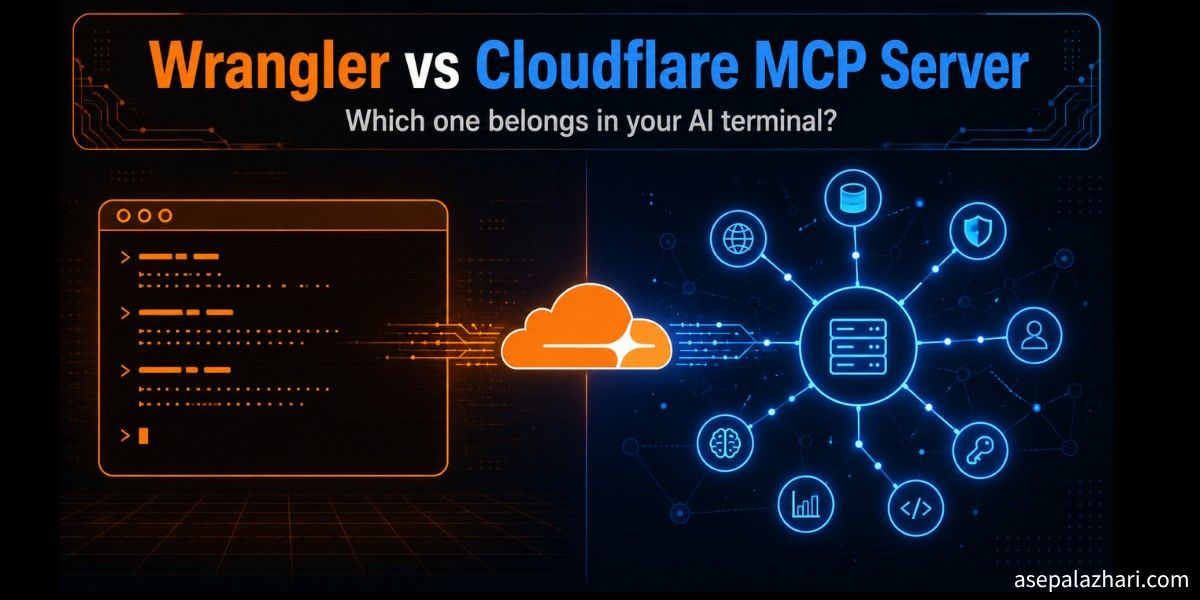
A few months ago I typed one command in the wrong terminal and deployed a client project to my personal Cloudflare account. Nothing broke, but I spent the next twenty minutes logging out, logging back in, and picking the right account from that OAuth screen again. If you manage more than one Cloudflare account, you know exactly which screen I mean.
That mistake pushed me to get serious about how I connect Cloudflare to my agentic terminals. I spent a couple of months testing both options side by side inside Claude Code and OpenCode. One option is Wrangler, the classic CLI. The other is the Cloudflare MCP server, the newer AI-native way. This article is my honest comparison, plus the multi-account setup that finally ended my re-login misery.
Key Takeaways
- Wrangler and the Cloudflare MCP server are not competitors. After months of daily use in Claude Code and OpenCode, I always combine both in the same project.
- The MCP server is best for reading and reasoning tasks such as searching docs, inspecting resources, and checking configuration. Wrangler is best for actions that change things, such as deploys and file uploads.
- The Cloudflare MCP server cannot upload files to R2 storage. For uploads you still need Wrangler and the wrangler r2 object put command.
- For multiple Cloudflare accounts, give each project a unique MCP server name and set CLOUDFLARE_API_TOKEN plus CLOUDFLARE_ACCOUNT_ID per project for Wrangler. This removes the constant re-login problem.
What Is the Cloudflare MCP Server?
The Cloudflare MCP server is a hosted service that exposes Cloudflare products as tools an AI agent can call directly. MCP stands for Model Context Protocol, an open standard that lets AI clients like Claude Code, OpenCode, and Cursor talk to external systems in a structured way. Cloudflare ships its MCP offering as a collection of remote servers, and according to the Cloudflare developer docs the portfolio covers documentation search, Workers bindings, observability, and more than a dozen focused servers in total.
In practice this means your AI terminal can search Cloudflare docs, list your Workers, inspect KV namespaces, and read logs without you copy pasting anything. The agent calls a tool, gets structured JSON back, and reasons about the result.
What Is Wrangler?
Wrangler is the official Cloudflare command line tool for building and managing everything on the developer platform. As of mid 2026 it sits at version 4.x and covers Workers, Pages, R2, D1, KV, Queues, and Secrets. It is a normal CLI, so an agentic terminal uses it the same way you would, by running shell commands and reading the output.
That sounds primitive next to MCP, but it has one huge advantage. Wrangler can do everything. If the Cloudflare dashboard can do it, Wrangler almost certainly can too.
Wrangler vs Cloudflare MCP Server: Comparison Table
| Aspect | Wrangler CLI | Cloudflare MCP Server |
|---|---|---|
| Interface | Shell commands | Structured tool calls |
| Coverage | Nearly the full platform | Subset of products, mostly read focused |
| File uploads to R2 | Yes, wrangler r2 object put | No, not supported |
| Deploys | Yes, full support | Limited |
| Docs search | No | Yes, excellent |
| Output for AI agents | Plain text, needs parsing | Structured JSON, easy to reason about |
| Auth model | OAuth login or API token env vars | OAuth per server connection |
| Multi-account handling | Env vars per project | Unique server name per project |
What Does the MCP Server Do Better?
The MCP server wins at anything that involves reading, searching, or explaining. The difference shows up immediately when you ask your agent a question instead of giving it a command.
When I ask Claude Code why my cache rule is not matching, the MCP docs server pulls the exact current documentation and the agent answers with real citations. When I ask what Workers exist on an account, the agent gets a clean structured list in one tool call. With Wrangler the agent would need to run a command, scrape the text output, and hope the format has not changed.
Token efficiency matters too. Structured MCP responses are compact and predictable. Parsing verbose CLI output burns context window for no good reason, and in long agentic sessions that adds up fast.
Also Read: Building Custom MCP Servers for Claude Code: A Developer’s Guide
What Does Wrangler Do Better?
Wrangler wins at anything that changes state. Deploys, secrets, migrations, and above all, file uploads.
Here is the concrete example that defined my workflow. This blog serves images from an R2 bucket behind a CDN domain. Every article needs a banner uploaded to R2. The Cloudflare MCP server cannot upload files to R2 storage. There is simply no tool for pushing binary files from your machine. So that job always goes through Wrangler:
wrangler r2 object put my-bucket/images/blog/my-banner.png \
  --file=./my-banner.png --remote
The same pattern repeats across the platform. Publishing a Worker, running a D1 migration, setting a secret. When the task mutates something, I tell my agent to use Wrangler. It is battle tested, scriptable, and its exit codes tell the agent clearly whether the action succeeded.
Which One Should You Use for Agentic AI?
Use both in the same project. That is not a diplomatic non-answer, it is the setup I landed on after months of real work. The two tools cover different halves of an agentic workflow.
My split looks like this:
- MCP server for questions, docs lookup, and inspecting resources.
- Wrangler for deploys, R2 uploads, secrets, and anything destructive.
- A note in the project instructions file telling the agent which tool to prefer for which job, so it does not guess.
That last point matters more than people think. Without guidance, an agent will sometimes try the MCP server for an upload, fail, and waste a turn. One line in your CLAUDE.md file fixes it forever.
How Do You Handle Multiple Cloudflare Accounts?
This was my biggest struggle, and the fix has two parts, one for each tool. The core problem is that both Wrangler and MCP connections default to a single shared login session on your machine. Switch to a project on a different Cloudflare account and you are staring at that OAuth screen again.
Trick 1: Give Each MCP Server a Unique Name
Do not register the Cloudflare MCP server under the same name in every project. Client sessions are keyed by server name, so identical names collide and force re-authentication when you switch accounts. Instead, name the server per project in each project’s MCP config:
{
    "mcpServers": {
        "cloudflare-blog": {
            "command": "npx",
            "args": ["mcp-remote", "https://docs.mcp.cloudflare.com/sse"]
        }
    }
}
In the client project on the other account, the same server gets a different name, for example cloudflare-clientx. Each name holds its own OAuth session, so both stay logged in side by side. Since I made this change I have not seen the account picker screen once.
Trick 2: Use Env Vars for Wrangler in Each Project
Wrangler skips its shared OAuth session entirely when it finds two environment variables. Set them per project and the login problem disappears:
# .env in each project, never committed to git
CLOUDFLARE_API_TOKEN=your-scoped-api-token
CLOUDFLARE_ACCOUNT_ID=your-account-id
Create the token in the Cloudflare dashboard with only the permissions that project needs. With these two variables in place, every wrangler command in that directory runs against the right account automatically. No wrangler login, no session conflicts, and your agent can verify it anytime with wrangler whoami.
As a bonus, scoped tokens are safer for agentic use. If your agent runs a wrong command, the blast radius is limited to what that one token can touch.
Also Read: OpenCode Multi-Model CLI: Switch AI Without Limits
Frequently Asked Questions
Can the Cloudflare MCP server upload files to R2?
No. As of July 2026 the Cloudflare MCP server has no tool for uploading files to R2 storage. Use Wrangler with the wrangler r2 object put command instead.
Do I need to stop using Wrangler if I use the MCP server?
No. They complement each other. The MCP server handles reading, searching, and inspecting, while Wrangler handles deploys, uploads, and other state changes. Most agentic Cloudflare workflows need both.
How do I stop Cloudflare from asking me to log in again on every project?
For Wrangler, set CLOUDFLARE_API_TOKEN and CLOUDFLARE_ACCOUNT_ID in each project’s environment. For the MCP server, register it under a unique name per project so each connection keeps its own OAuth session.
Does the Cloudflare MCP server work with OpenCode and other clients?
Yes. Any MCP compatible client works, including Claude Code, OpenCode, Cursor, and Claude Desktop. I tested the setup in this article with both Claude Code and OpenCode.
Is it safe to give an AI agent my Cloudflare API token?
Use a scoped token, not your global API key. Grant only the permissions the project needs, such as R2 write access for one bucket. Keep the token in a local .env file that is excluded from git.
Conclusion
After months of running both inside Claude Code and OpenCode, my verdict is simple. The Cloudflare MCP server is the better brain, and Wrangler is the better pair of hands. The MCP server gives your agent accurate docs and structured platform data, while Wrangler executes the deploys and uploads that MCP cannot, including every R2 file upload.
The real quality of life win was the multi-account setup. Unique MCP server names per project, plus CLOUDFLARE_API_TOKEN and CLOUDFLARE_ACCOUNT_ID in each project’s env, ended the re-login loop that annoyed me for months.
If you work with Cloudflare in an agentic terminal, set up both today and write the tool split into your project instructions. Your agent gets smarter and your login screen finally stays quiet.