
Cannot Pull with Rebase: You Have Unstaged Changes Fix
Seeing 'error: cannot pull with rebase: you have unstaged changes'? Stash your work, pull the latest commits, then restore it safely. Tested on Git 2.54.
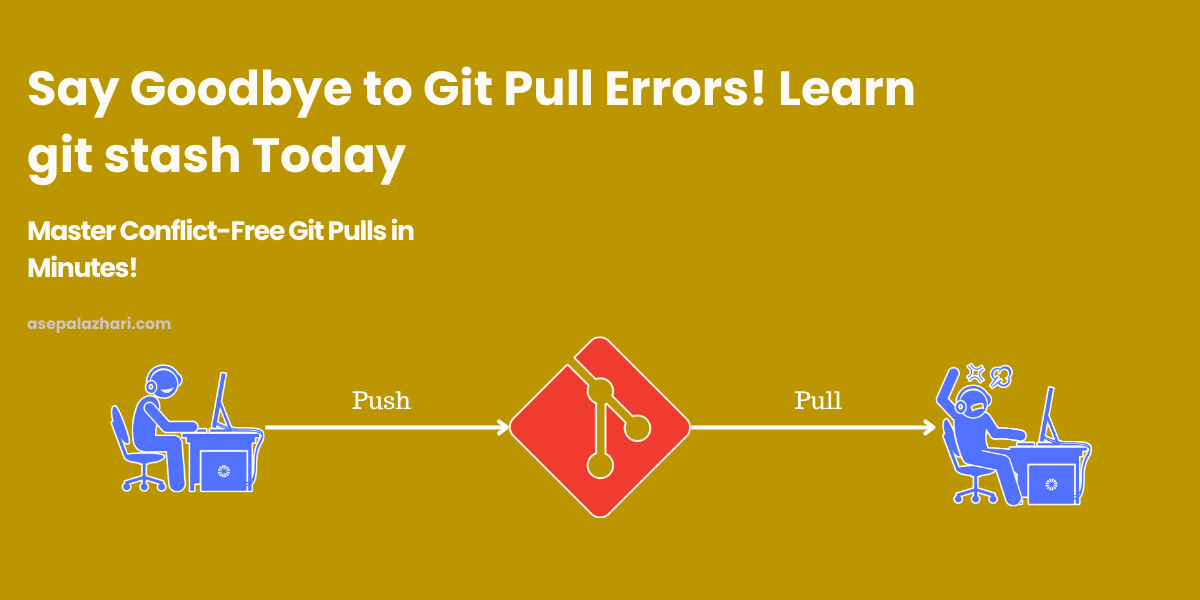
Git refuses to pull with rebase while tracked files have uncommitted edits. The fix is to save those edits with git stash, pull, then restore them with git stash pop. The exact commands are below.
error: cannot pull with rebase: you have unstaged changes.
On Git 2.54.0 (Apple Git-157), a git pull --rebase with an edited tracked file prints this:
error: cannot pull with rebase: You have unstaged changes.
error: Please commit or stash them.
Git stops before it touches your branch. Nothing is lost, but the pull does not run until the working tree is clean. You have three ways out: commit the change, discard it, or stash it. Stashing keeps the work and leaves the commit history alone.
Quick Fix
git stash push -m "Temporary stash before pull"
git pull --rebase origin main
git stash pop
Replace main with the branch you are pulling. git stash push -m works the same as the older git stash save, but it is the form Git documents now, and the -m message makes the entry easy to find later.
Step-by-Step Guide
1. Stash your changes
git stash push -m "Temporary stash before pull"Your edits move into the stash list, and the working directory becomes clean. Check the result with git status. It should report nothing to commit.
2. Pull the latest updates
git pull --tags -r origin devThe -r flag is short for --rebase, so your local commits are replayed on top of the remote branch. Replace dev with your branch name.
3. Restore your changes
git stash popIf the incoming commits did not touch the same lines, the restore is clean. If they did, git stash pop stops with a merge conflict and keeps the stash entry. Resolve the conflicted files, stage them, and run git stash drop once you are sure the result is correct.
4. Verify and continue
Run your tests or start the app. Confirm nothing broke during the merge before you commit anything new.
Skip the Stash: --autostash
If you do not need to inspect the changes, Git can stash and restore them for you in one command:
git pull --rebase --autostash origin mainI ran this on Git 2.54.0 with an edited tracked file. The pull completed, Git printed Applied autostash., and the edit was back in the working tree. If the restore conflicts, Git leaves the stash entry in place, the same as the manual flow.
Common Stash Commands
List stashes:
git stash listApply a specific stash without removing it:
git stash apply stash@{1}Drop a specific stash:
git stash drop stash@{0}Clear all stashes:
git stash clear
Best Practices
- Give every stash a message with
-m. A stash list full of “WIP” entries is hard to read a week later. - Commit small, finished pieces when you can. Fewer stashes means fewer surprises on pop.
- Clear stashes you no longer need, so an old entry does not conflict with new work.
Also Read: How to Hide Git History in VS Code for a Cleaner Workspace
Also Read: Fixing Yarn Compatibility Issues on Cloudflare Pages Build v2: A Step-by-Step Guide
Conclusion
When git pull --rebase refuses because of unstaged changes, stash the changes, pull, and pop. Use --autostash when you want the same result in one command. Both paths keep your edits and your commit history intact.